
Available for


Imagine browsing through 5,000 photos to find duplicates and carefully comparing them to avoid deleting something unique. It’s time-consuming and exhausting. That’s where Cisdem Duplicate Finder comes to help.

Slow, tedious, and potentially risky

Take hours to go through folders and photos within.
Manually comparing photos is exhausting and tedious.
Manual comparison may delete unique photos by mistake.
Take time to delete every duplicate individually.

Fast, accurate, and always reliable

Take seconds to search multiple folders and photos.
Automatically comparing photos is effortless on your part.
Use AI-Powered duplicate detection to ensure accuracy.
One-click removal with customizable auto duplicate selections.
Cisdem Duplicate Finder is feature-rich and powerful, helping you efficiently detect duplicate photos and similar images.
 All Image Formats
 All RAW Formats
 Compare by Content
 Compare by Name
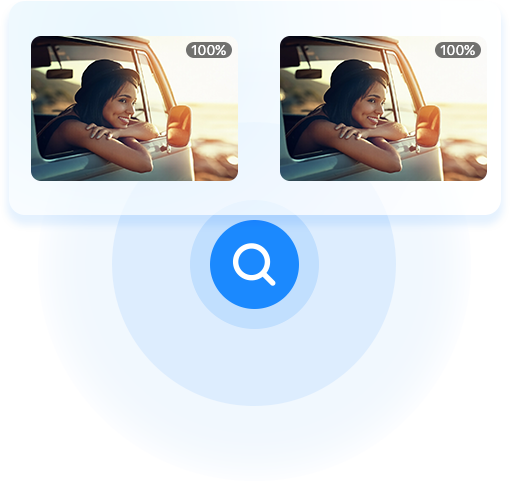
 AI-Powered
 100% Accuracy
 Lightning Fast
 Scan Progress





No matter if you are a basic user or advanced user, Cisdem Duplicate Finder helps you find and remove duplicate photos in three simple steps.

Add folders and click Scan to start scanning for duplicate photos.
When the scan is complete, view the found duplicate and similar photos.
Select unwanted duplicates and click Delete, with the help of auto-selection.
Effortlessly find and remove duplicate photos from your selected folder with just three clicks.
100% accuracy, automatic duplicate selection, and preview before deletion keep the cleanup safe.
Default settings are ready to use, so you do not need to change anything.
Control the process: exclude photos or folders, choose an auto-selection rule, or set a preferred removal method.
Multiple comparison methods, adjustable similarity levels, flexible duplicate removal across folders, and Mac Photos support.
Manage RAW/HEIC and JPEG duplicates, burst shots, multiple libraries, and internal & external drive comparisons.